
SoundCloud Go alternative — listen offline free
Go+ rents you offline listening inside one app. Downloading gives you real files that play anywhere and outlast the subscription. Free, no signup, for the tracks you have the right to save.
What SoundCloud Go+ actually gives you
Worth stating fairly first. A paid plan removes ads, unlocks offline playback inside the SoundCloud app, and opens up a larger licensed catalogue — major-label music the free tier won't play, or plays as a short preview. Go+ also streams at SoundCloud's higher-quality tier, AAC up to around 256 kbps. There have been two tiers, Go and Go+, and the line between them has moved more than once, so check SoundCloud's own plans page for what's current where you live. The cost is an ordinary monthly subscription, cheaper on student and annual plans in some countries; we won't print a figure that goes stale.
What downloading gives you instead
A file. That sounds small and it isn't. Paste a track link above and you get a plain MP3, M4A, or FLAC, tagged with title, artist, and cover art, sitting in your Downloads folder. It plays in Apple Music, VLC, Poweramp, a car stereo, a DJ controller, a phone with no SIM in it. And it's still there next month whether or not you paid anyone. No account, no app, no extension: it runs in the tab you already have open, desktop or mobile.
Rented offline vs files you keep
Go+ offline is a licence, not a library. The tracks it caches live inside the SoundCloud app, can't be moved into another player, and stop working when the subscription lapses. That isn't SoundCloud being awkward; it's how licensed offline works everywhere. A downloaded file has no such switch in it: stop paying for something and nothing in your folder changes. If the track is headed for a DJ set, pick MP3 for the USB stick — many Pioneer CDJs (the CDJ-2000NXS and older units common in clubs and rentals) won't read FLAC from USB, even though rekordbox, Serato, and Traktor all do.
What Go+ genuinely does better
Skipping this part would be selling you something. Go+ is fully licensed: the money runs through SoundCloud to rights holders, which is the cleanest way to support artists you play constantly. It's ad-free across the whole app, and it carries catalogue music no downloader can reach — if the record you want sits behind that tier, a subscription is the only route to it. It's frictionless too: one search box, no links to copy, playlists that sync. If SoundCloud is where you live all day, it's the better product.
What this can't do, plainly
Go+ and DRM-protected material cannot be downloaded — not here, not anywhere. That audio is delivered encrypted and decoded inside SoundCloud's own player, so it never exists anywhere a downloader could pick it up. Anything advertising otherwise is handing you the free preview. The smaller cases are just as blunt: geo-restricted uploads, tracks removed since you found the link, and private uploads you have no share link for. No tool beats its source either — SoundCloud streams lossy AAC at roughly 128–256 kbps, so a 320 kbps label buys file size, never detail. When a track can't be fetched you get the actual reason, not a silent failure.
So which should you choose?
It depends on how you listen. Deep in the app every day, want the licensed catalogue and no ads, don't care where the files sit? Subscribe. Want a few mixes for the gym, a set for the car, or a backup of uploads that vanish when accounts go quiet? Download them and keep them. Plenty of people sensibly do both — pay to browse, and save the tracks they have the right to save: their own uploads, tracks where the artist switched the download button on, and Creative Commons releases. Paste a link above and pick a format — playlists and likes come back track by track, so one restricted song never costs you the rest.
From SoundCloud link to file in three steps
No manuals, no settings to learn. If you can copy a link, you can use SoundyLoader.
Copy the SoundCloud link
Open any track, set, or profile, tap Share, and copy the URL.
Paste it and choose a format
Drop the link into SoundyLoader and pick MP3, M4A, or FLAC.
Download instantly
We process the audio on our servers and hand you a ready-to-save file.
Frequently asked questions
Can you listen to SoundCloud offline for free?
Yes, by downloading tracks rather than caching them in the app. SoundCloud's own offline mode is paid, but a downloaded MP3, M4A, or FLAC plays offline in any player, on any device, with no subscription. Stick to tracks you have the right to save: your own uploads, artist-enabled free downloads, Creative Commons releases.
Is there a free alternative to SoundCloud Go+?
For offline listening, yes: download the tracks instead. For the licensed major-label catalogue Go+ unlocks, no — that music isn't reachable any other way, and a subscription is the honest answer.
What happens to my Go+ offline tracks if I cancel?
They stop playing. Licensed offline copies are tied to an active subscription and live inside the app, so they can't be moved elsewhere either. Files you download are unaffected by anything you cancel.
Can Go+ tracks be downloaded?
No — genuinely impossible rather than merely unsupported. Go+ material is DRM-protected: the stream is encrypted and decoded inside SoundCloud's player, so the audio never exists anywhere a downloader could reach it.
What does SoundCloud Go+ cost?
It's a monthly subscription, with student and annual pricing in some countries. Prices change and vary by region, so check SoundCloud's own plans page rather than a third-party number.
Do I need an app, an extension, or an account?
None of the three. It runs in your browser on desktop, iPhone, and Android — files save to the Files app on iOS and the Downloads folder on Android. Free and unlimited, no signup.
Which format is best for offline listening?
MP3 for a phone, a car, or a DJ USB stick — it plays everywhere. M4A to stay closest to SoundCloud's native AAC stream. FLAC for archiving with no further loss from here on. There's no WAV option on purpose: WAV from a lossy stream adds size, not quality.
From the blog
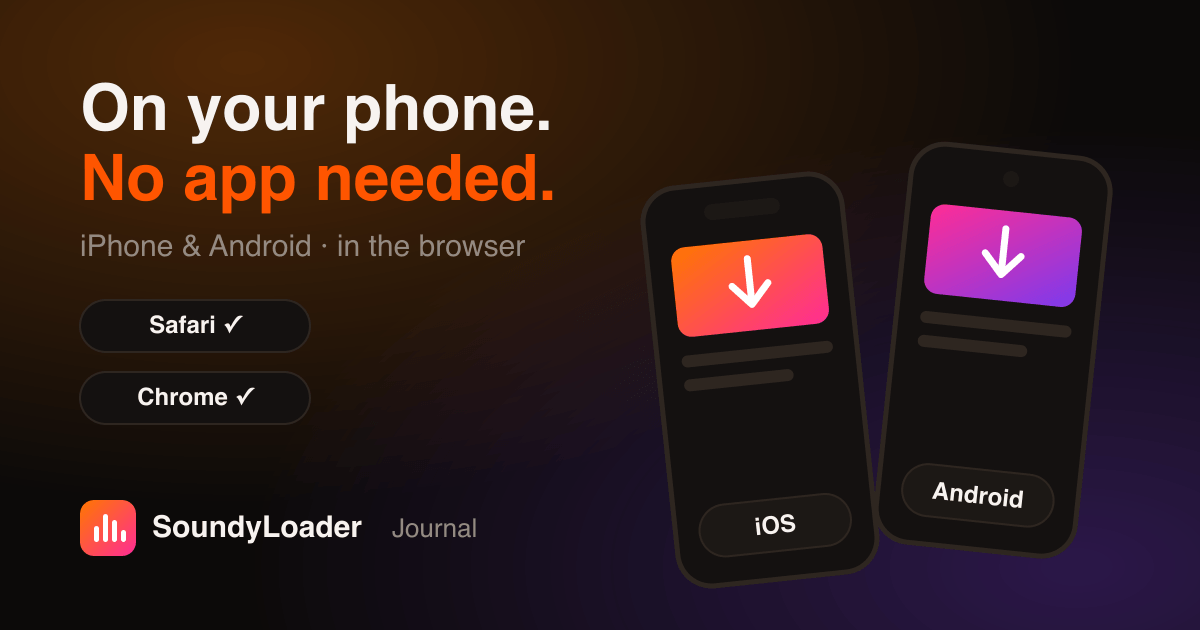 Guides
How to Download SoundCloud Songs on iPhone & Android (No App)
No app, no signup — just Safari or Chrome. Where the files land, how to get them into your music player, and the fixes for common mobile hiccups.
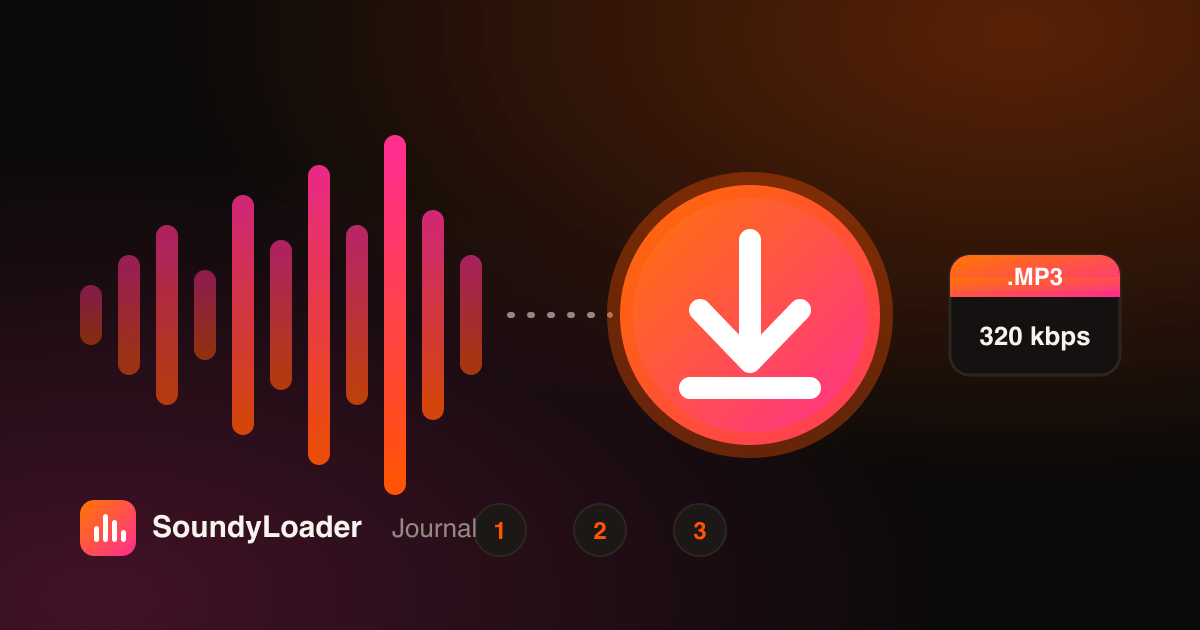 Guides
How to Download SoundCloud Songs to MP3 (Step-by-Step, 2026)
The complete walkthrough for desktop, iPhone, and Android — copy a link, pick a format, and save your first MP3 in under a minute.
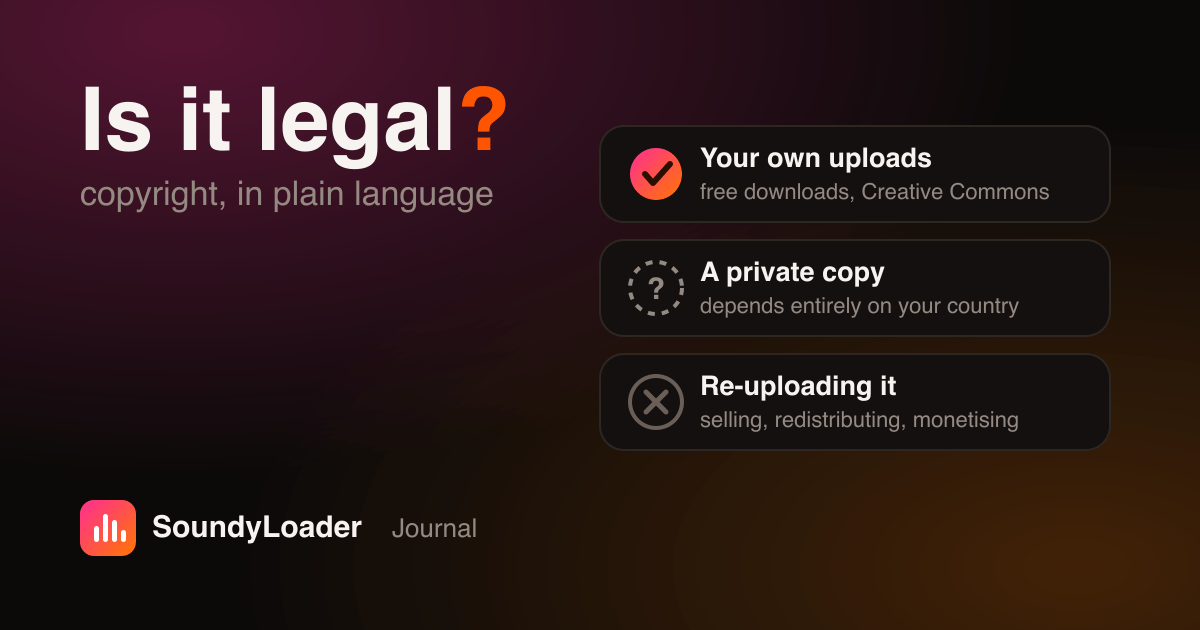 Legal
LegalIs It Legal to Download From SoundCloud? The Honest Answer
Copyright in plain language, the grey area of private copying, what SoundCloud's terms actually say, and the parts that are genuinely not okay.
Your SoundCloud library, untethered.
Save the tracks and mixes you love. Listen anywhere, offline. Keep them forever.