
SoundCloud to M4A downloader
M4A keeps SoundCloud's native AAC stream nearly untouched — the technically cleanest download you can get, and the best pick for iPhone and Apple Music.
Why M4A is the quality pick
SoundCloud streams in AAC, and M4A is AAC's native container. Downloading M4A means the audio is repackaged, not re-compressed from scratch — so you keep the stream's full quality. AAC is also more efficient than MP3, sounding better at the same bitrate.
One caveat, honestly stated
Some older car head units and budget MP3 players don't recognize M4A. If your gear is modern — any smartphone, computer, or recent car — you're fine. If compatibility is king, grab MP3 instead; the quality difference is small on most speakers.
From SoundCloud link to file in three steps
No manuals, no settings to learn. If you can copy a link, you can use SoundyLoader.
Copy the SoundCloud link
Open any track, set, or profile, tap Share, and copy the URL.
Paste it and choose a format
Drop the link into SoundyLoader and pick MP3, M4A, or FLAC.
Download instantly
We process the audio on our servers and hand you a ready-to-save file.
Frequently asked questions
Is M4A better than MP3 for SoundCloud downloads?
Technically yes — SoundCloud streams in AAC, so M4A avoids one lossy re-encode and preserves the source most faithfully. MP3 wins only on universal compatibility.
Does M4A play on Android and Windows?
Yes — every modern phone and desktop OS plays M4A. Only some older car stereos and cheap portable players lack support.
Can I add downloaded M4A files to Apple Music?
Yes — M4A is Apple's native format. Drop the files into your library and they sync like any purchased track.
From the blog
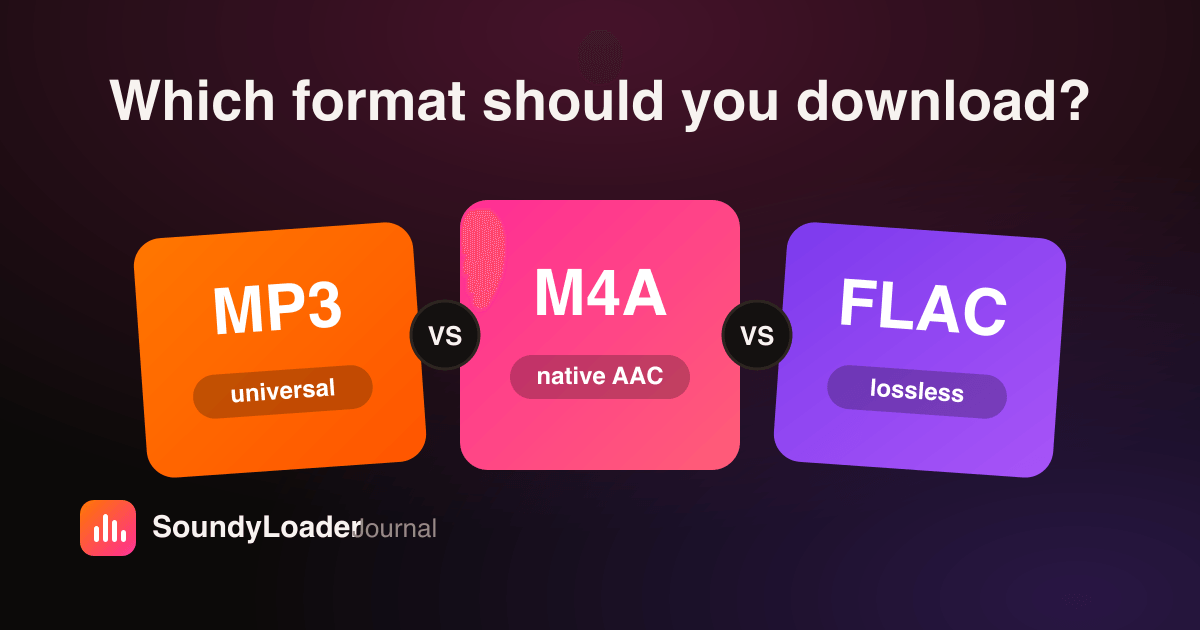 Audio
AudioMP3 vs M4A vs FLAC: Which Format Should You Download?
Compatibility, quality, and file size compared — plus a one-line answer for every kind of listener.
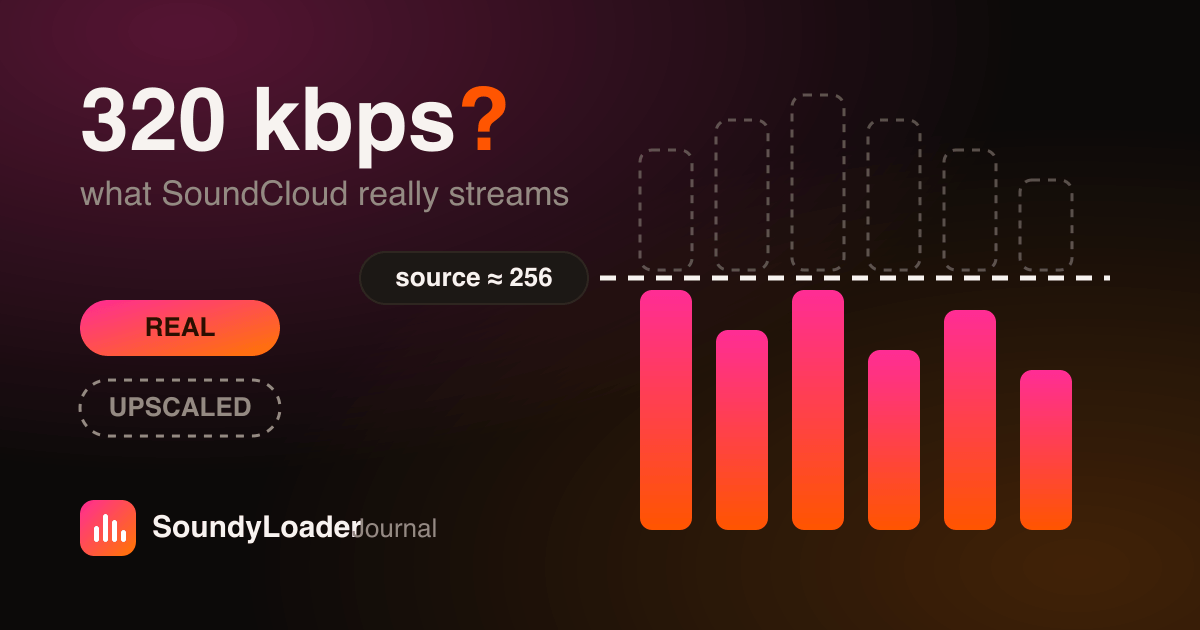 Audio
AudioSoundCloud Audio Quality: Is “320 kbps” Real?
128 vs 160 vs 256 kbps AAC — what you actually get from SoundCloud's stream, and why we won't lie about it.
 Guides
How to Download SoundCloud Songs on iPhone & Android (No App)
No app, no signup — just Safari or Chrome. Where the files land, how to get them into your music player, and the fixes for common mobile hiccups.
Your SoundCloud library, untethered.
Save the tracks and mixes you love. Listen anywhere, offline. Keep them forever.