How to Download SoundCloud Songs on iPhone & Android (No App)
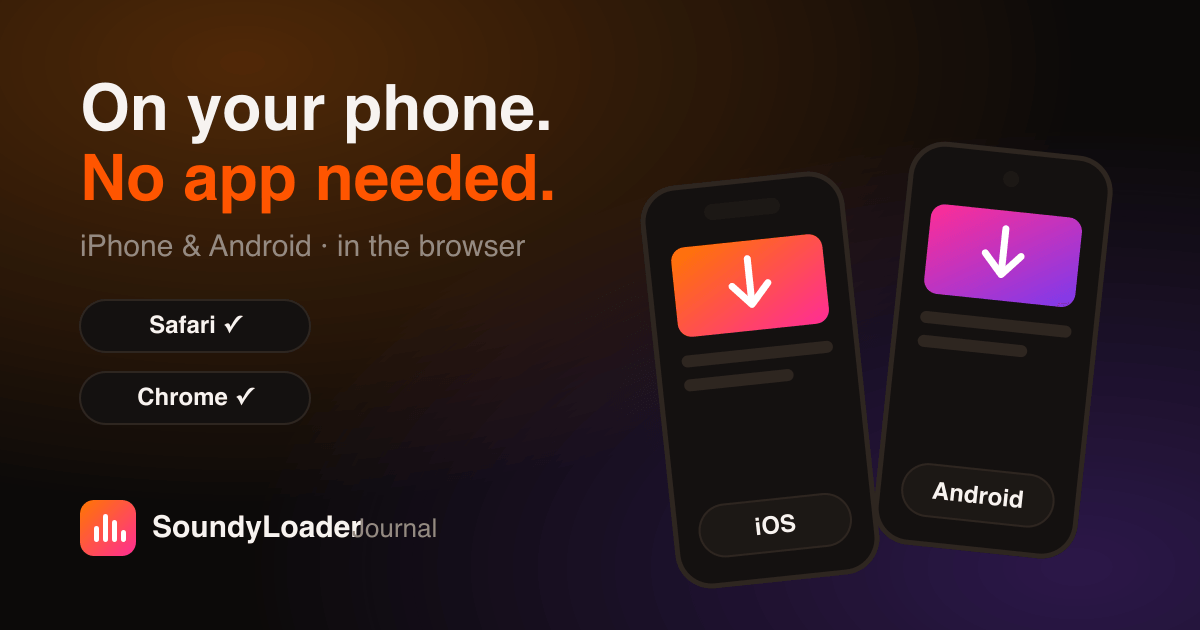
You don't need SoundCloud Go+ or any third-party app to keep SoundCloud music on your phone. A browser-based downloader works directly in Safari and Chrome, saves real files you own, and takes about a minute end to end. Here's the exact workflow for iPhone and Android — including the part most guides skip: where the file actually goes and how to get it into your music app.
Before you start: grab the link from the SoundCloud app
In the SoundCloud app, open the track (or playlist), tap the Share icon, then Copy Link. That's it — switch to your browser for the rest. Shortened on.soundcloud.com share links work fine.
Downloading on iPhone (Safari)
- Open Safari and go to the SoundyLoader converter.
- Tap the input box and hit Paste, then Start.
- When the file is ready, tap Download — Safari shows a download arrow in the toolbar.
- Find the file in the Files app under Downloads.
Getting the track into your music library
From the Files app you can play tracks directly, AirDrop them to a Mac, or import them into apps like VLC, Doppler, or Evermusic that read from Files. If you sync with Apple Music on a computer, drop the file into your library there and it syncs back to the phone. Tip for iPhone users: choose M4A — it's Apple's native format, as covered in our format guide.
Downloading on Android (Chrome)
- Open Chrome and go to the SoundyLoader converter.
- Paste the link (long-press the input box → Paste) and tap Start.
- Tap Download when the button appears — the file lands in your Downloads folder.
- Any music player (YT Music, VLC, Poweramp) picks it up automatically from local storage.
Playlists and DJ mixes on mobile
The playlist workflow is identical on mobile — paste a set link and download tracks one by one from the list (full playlist guide here). One practical note for multi-hour DJ mixes: files over 100 MB are best downloaded on Wi-Fi, and iOS Safari handles large downloads better when you keep the tab in the foreground.
Common mobile hiccups (and the fix)
- Paste button does nothing on iPhone → iOS blocks clipboard access until you allow it; long-press the input and paste manually.
- Download link expired → links auto-purge after a few minutes for privacy; just re-run the conversion.
- Can't find the file on Android → check Chrome's Downloads (⋮ menu → Downloads) or the Files by Google app.
- Track won't play in your player → your player may not support M4A/FLAC; re-download as MP3.
Why this beats SoundCloud Go+ offline mode
Go+ offline tracks live inside the SoundCloud app and evaporate when the subscription lapses. Downloaded files are yours: move them between phones, burn them to a car USB stick, back them up. For the broader comparison of tools and approaches, see the best free SoundCloud downloaders of 2026.
Frequently asked questions
How do I download SoundCloud songs on iPhone without an app?
Copy the track link from the SoundCloud app, paste it into SoundyLoader in Safari, and tap Start then Download. The file saves to the Files app under Downloads.
Where do SoundCloud downloads go on Android?
Files download to your Downloads folder via Chrome. Any local music player — VLC, Poweramp, YT Music — will detect them automatically.
Can I listen to SoundCloud offline without Go+?
Yes — download the tracks as MP3 or M4A files with a browser-based downloader and play them in any music app, no subscription required.
What format should I choose on mobile?
M4A on iPhone (Apple's native format) and MP3 on Android for maximum compatibility. FLAC works too if your player supports it.