SoundCloud Audio Quality: Is “320 kbps” Real?
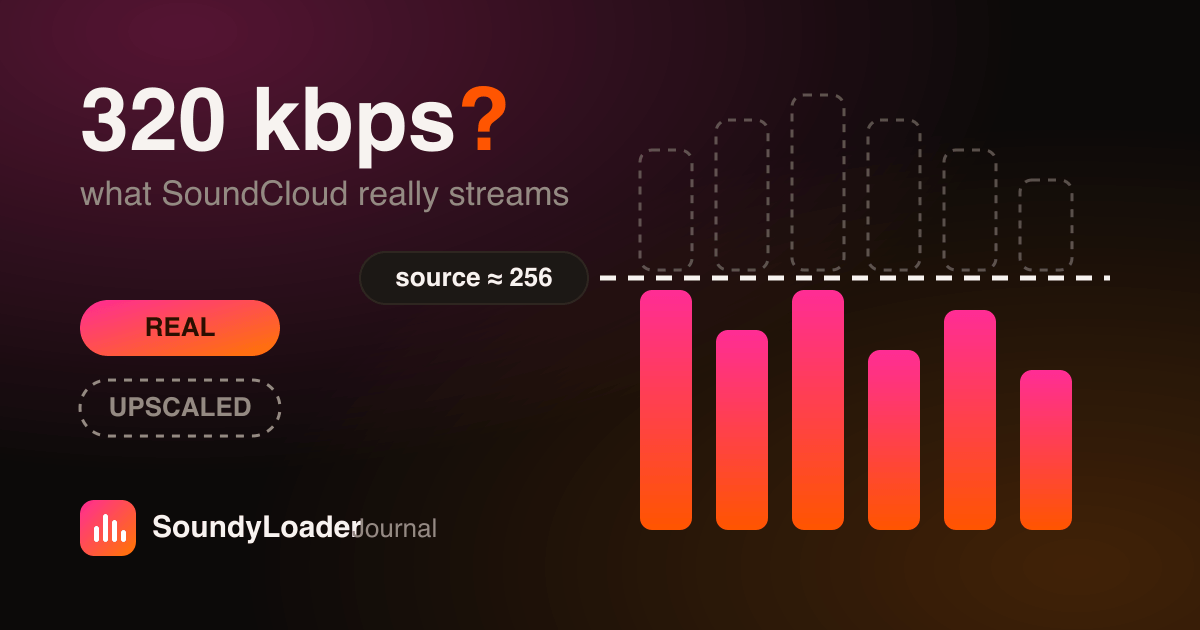
Search for a SoundCloud downloader and you'll see the same promise everywhere: “320 kbps MP3!” Here's the uncomfortable truth — SoundCloud doesn't stream most tracks anywhere near 320 kbps, and no downloader can conjure quality that isn't in the source. This article explains what SoundCloud actually serves, what happens when you convert it, and how to get the best real-world quality.
What bitrate does SoundCloud actually stream?
SoundCloud transcodes every upload into streaming renditions. For most listeners, tracks play as AAC at roughly 128–160 kbps; some tracks and subscription tiers stream at up to 256 kbps AAC. The original WAV or FLAC an artist uploaded stays on SoundCloud's servers — it is not what gets streamed to you.
| Source | Codec | Typical bitrate |
|---|---|---|
| Free streaming | AAC | ~128–160 kbps |
| Go+ high-quality streams | AAC | up to 256 kbps |
| Artist-enabled free downloads | Original file | Whatever the artist uploaded |
So is a “320 kbps MP3 download” fake?
Usually, yes — at least partly. When a tool takes a 128 kbps AAC stream and exports a 320 kbps MP3, the file's bitrate is technically 320 kbps, but the audio inside can never be better than the 128 kbps source. That's called upscaling, and it only inflates file size. It's like photocopying a photo onto bigger paper: more paper, same picture.
A downloader can preserve quality. It cannot create it. Any tool that promises to 'enhance' a SoundCloud stream to 320 kbps is marketing, not audio engineering.
How SoundyLoader handles quality honestly
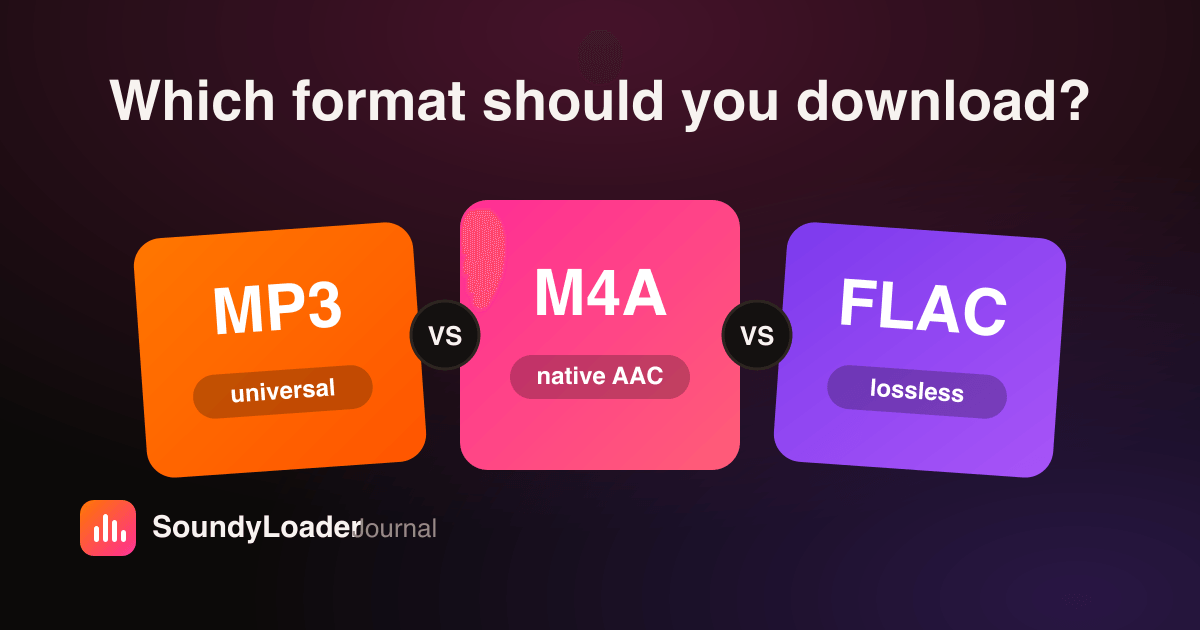
SoundyLoader tells you what the source allows and exports the best possible file from it — nothing more, nothing less. Pick M4A and you keep SoundCloud's native AAC with minimal re-encode loss. Pick MP3 and we encode at the highest useful rate for that source, up to a 320 kbps target. Pick FLAC and you get a lossless wrapper of the stream — ideal for archiving because it adds zero further loss.
Which format keeps the most quality?
- M4A (AAC) — closest to SoundCloud's native stream; the technically cleanest choice.
- FLAC — lossless container of the source; biggest files, zero additional loss; best for archiving.
- MP3 — small quality cost from transcoding, but plays absolutely everywhere.
For a full breakdown with use cases, read MP3 vs M4A vs FLAC: which format should you download?
How to actually maximize SoundCloud download quality
- Check whether the artist enabled a free download — that gives you their original file, often WAV quality.
- Prefer M4A or FLAC when your player supports them, to avoid a lossy-to-lossy transcode.
- Don't trust tools that promise a fixed '320 kbps' for every track — that's the upscaling red flag.
- For DJ sets, download the full mix once rather than re-recording the stream, which stacks extra loss.
Bottom line: SoundCloud quality is good enough for everyday listening, and an honest downloader preserves all of it. Start with the converter, pick the format that fits your library, and you'll get everything the stream contains.
Frequently asked questions
Does SoundCloud stream at 320 kbps?
No. SoundCloud streams most tracks as AAC at roughly 128–160 kbps, with some streams reaching 256 kbps. Files advertised as 320 kbps downloads are typically upscaled from a lower-bitrate source.
Is AAC at 128 kbps worse than MP3 at 128 kbps?
No — AAC is a more efficient codec, so 128 kbps AAC generally sounds noticeably better than 128 kbps MP3, roughly comparable to a higher-bitrate MP3.
What is the best format to download SoundCloud tracks in?
M4A keeps SoundCloud's native AAC with the least loss; FLAC wraps the source losslessly for archiving; MP3 trades a little quality for universal compatibility.
Can any downloader improve SoundCloud audio quality?
No. A downloader can only preserve the quality of the source stream. Tools claiming to enhance or upscale audio are inflating file size, not fidelity.